

Automated Marking Instructions & Electronic White Lining
New laws. New tools. Streamline the Locate Request Process While Meeting MN’s Legal Requirements
This new feature provides a consistent language for marking instructions and results in better more useful information for locators. Automated Marking Instructions should increase locator efficiency, help reduce hits to underground infrastructure, and help improve overall safety.
Why Use Automated Marking Instructions?
Minnesota law requires white markings on all excavations, without exception.
Excavators may provide electronic (digital) markings in lieu of physical markings, if they provide locators with the same information as a physical mark.
Automated marking instructions can help to fulfill this requirement. In many cases, the circle (radius), feature (street), parcel (property), and route tools will provide enough information for facility operators and locators.
The automated marking instructions should always be reviewed and adjusted as needed by the person submitting the ticket for accuracy.
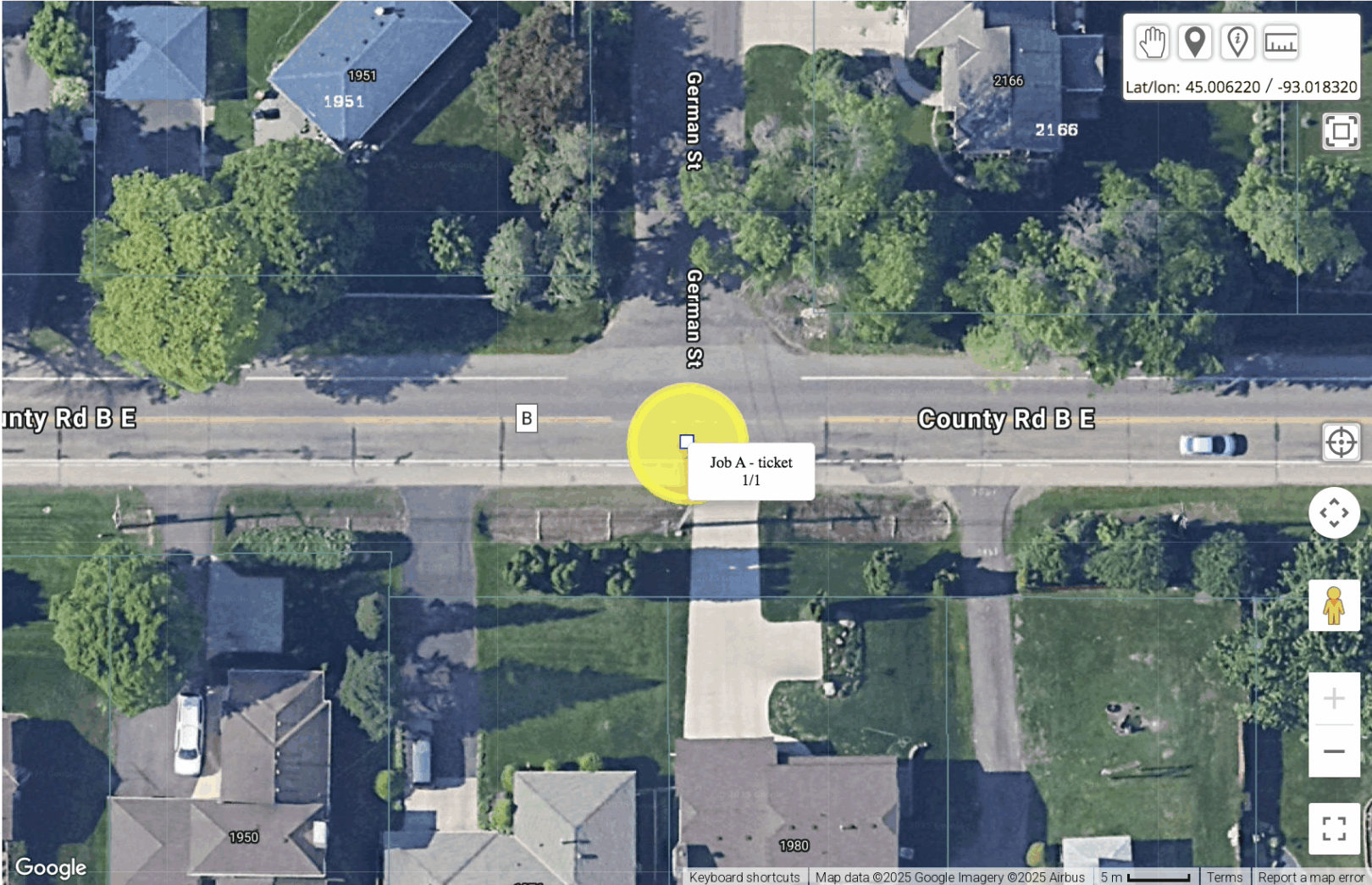
In ITIC, use the circle (radius), feature (street), parcel (property), and route tools to create “automated marking instructions.” The marking instructions will automatically populate in the one-call ticket based on the defined area of excavation. Once the instructions are generated, read them over and make sure they are correct.
Tickets that have no changes will be released directly to facility operators. If changes are made to the automatically generated instructions, the ticket will be reviewed by GSOC prior to release.
Excavators should define the precise area of excavation: no more and no less.
Automated Marking Instructions
Excavators can opt to provide electronic white markings, which by law must provide the same information as a physical mark.
When filing a ticket, users will have the option to choose whether they plan to mark the precise area of excavation with physical or electronic marks.
If choosing electronic marks, the Circle, Property Excavation, Street, or Route tool will generate marking instructions that, in many cases, will be enough information for operators and locators to do their job. may be sufficient to qualify as electronic white lining.
If using the “other” or free form polygon tool, users can attach a detailed map that includes field reference points, provides a defined boundary that closes, and matches the mapped ITIC area, so all relevant operators are notified.
The Minnesota Common Ground Alliance (MNCGA) published a series of suggested practices for electronic white lining.
Automated Marking Instructions
Frequently Asked Questions
What do I do if the auto-generated instructions are incorrect while filing?
GSOC encourages you to review the instructions before completing the ticket. If you feel the auto-generated instructions are incorrect, edit the instructions to ensure accuracy, and/or provide additional information. Because the instructions were altered, this ticket will go to a GSOC Customer Service Representative (CSR) for review before the ticket is accepted.
What if the instructions are incorrect in the field?
The automatic marking instructions are intended to provide a clear, consistent language across all tickets.
Once in the field, if you feel that the instructions are not correct, take the following steps:
- Review ticket information, including the map and the instructions to ensure they align.
- Contact the excavator to confirm or clarify the location information (starting in 2026, you can do this through Ticket Talk).
- Call GSOC with ticket number in hand to flag further review by GSOC.
What if the instructions are extremely complicated?
The automatic marking instructions are designed to provide clear, consistent language across tickets that use the route, circle, feature, and parcel tools, ensuring consistency in the field. The instructions are not automatically generated for the manually drawn polygon (or “Other” tool).
If the instructions are complicated or inhibit your ability to locate the underground utilities, please contact the excavator for more information, and if necessary, contact GSOC to flag for additional review.
Electronic White Lining:
Frequently Asked Questions
What happens if a facility operator needs to require a physical mark; will this change the timeline?
Starting January 1, 2026, excavators can provide electronic or digital white markings as long as they provide the same level of information as a physical mark. However, the waiting period for digging has not changed and remains 48 hours, excluding the day of submission, weekends, and holidays.
The Minnesota Common Ground Alliance issued a series of “suggested practices” for electronic white lining, which suggest that all parties respond promptly to requests for more information or physical marking.
Excavators should make every reasonable effort to respond to follow-up requests on a timely basis. The parties are strongly encouraged to communicate and collaborate on an estimated timeline for completion of the physical marking and any additional location work.
An agreement can be made to extend the waiting period, and any extended time agreement must be documented with GSOC (starting next year, this can be done via Ticket Talk).
What information can I provide to assist operators/locators complete the locate request?
At any time, an operator can request additional information or a physical mark. To provide additional information, excavators can provide a detailed map or description of the area of excavation that includes field reference points and a closed boundary that aligns with the area identified on the map to ensure all the proper facility operators are notified. Read more about the suggested practices here.